Download Pinduoduo App in English: No Translation? Try This Hack (2026)

Are you looking for a way to access China's true factory prices? Pinduoduo (PDD) is the ultimate source, but for international users, it feels like a locked treasure chest. The app is in Chinese, the payments require a local ID, and it doesn't ship abroad.
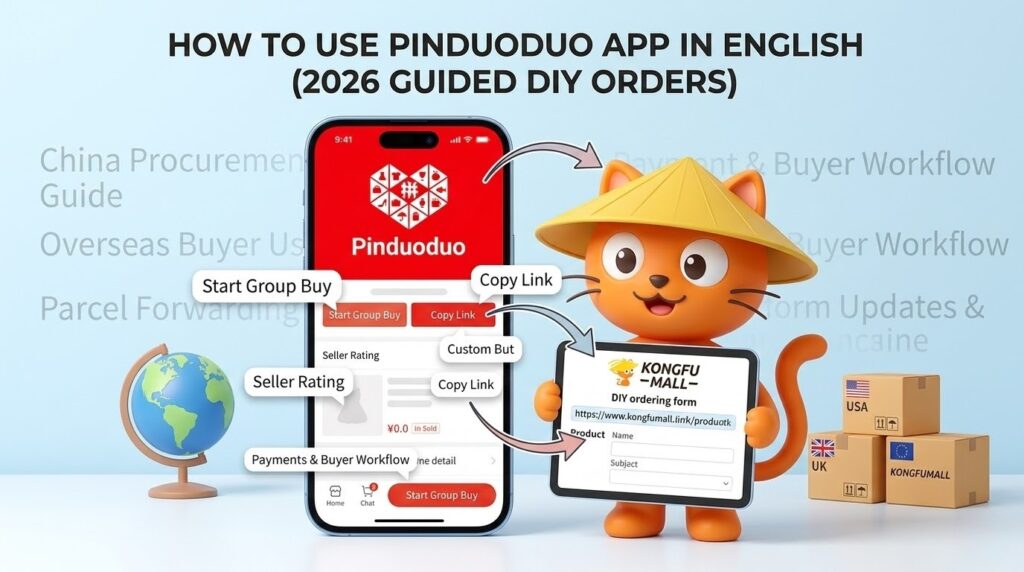
That is where our Pinduoduo DIY Order System steps in to save the day. Since a native Pinduoduo App in English is still a myth in 2026, think of the original PDD App as your sourcing catalog and the KongfuMall platform as your global checkout. This guide will show you how to master the interface like a pro so you can find those factory-direct deals and seamlessly paste them into our system for international delivery.
Table of Contents
Quick Answer: The Perfect Workflow for 2026
To shop on Pinduoduo from the USA, UK, or Europe, you don't need to speak Chinese or wait for a native Pinduoduo App in English. You just need this 3-step workflow:
- Source: Use the Pinduoduo Mobile App to find products (using the translation hacks below).
- Copy: Grab the product link from the app.
- Checkout: Paste the link into our DIY Order Tool to pay with PayPal and ship globally.
[Ready to bridge the gap? Get your free China warehouse address and start shopping →]
1. Why You MUST Use the App (and Not the Website)
Many users try to use the Pinduoduo website, but this is a mistake. The web version is heavily restricted:
- Hidden Deals: 90% of the lowest "Group Buy" prices are app-only.
- Limited Search: You cannot see full product categories or seller ratings on the web.
- No Social Discounts: The social "price-drop" mechanics only trigger inside the mobile ecosystem.
For our Pinduoduo shopping agent service to work best, we always recommend sourcing from the app to ensure you are getting the absolute lowest price available before you paste the link into our tool.
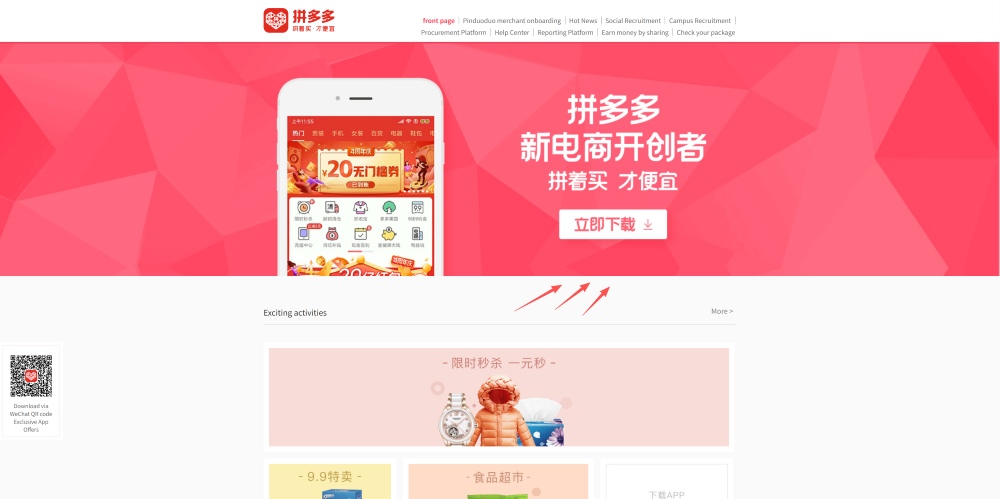
2. How to Download the Official App (iOS & Android)
To begin sourcing, you need the official app titled "拼多多".
Note: Whether using the mobile web version or the app, you need to log in to view the links.
Comparison: Installation Methods for International Users
| Device | Recommended Method | Difficulty | Why this way? |
| iOS | Change App Store Region | Medium | Ensures official updates and security. |
| Android | Official APK Download | Simple | Bypasses Google Play Store regional locks. |
iOS Tutorial (iPhone/iPad)
- Change your Apple ID region to "Mainland China."
- Search for "拼多多" (The red icon with the heart).
- Download the app, then switch your region back. The app remains functional and updated.
Android Tutorial
Do not search the Play Store for "Pinduoduo English"-those apps are often fake. Visit mobile.pinduoduo.com and download the Official APK. It is safe, direct, and compatible with our DIY link-parsing system.
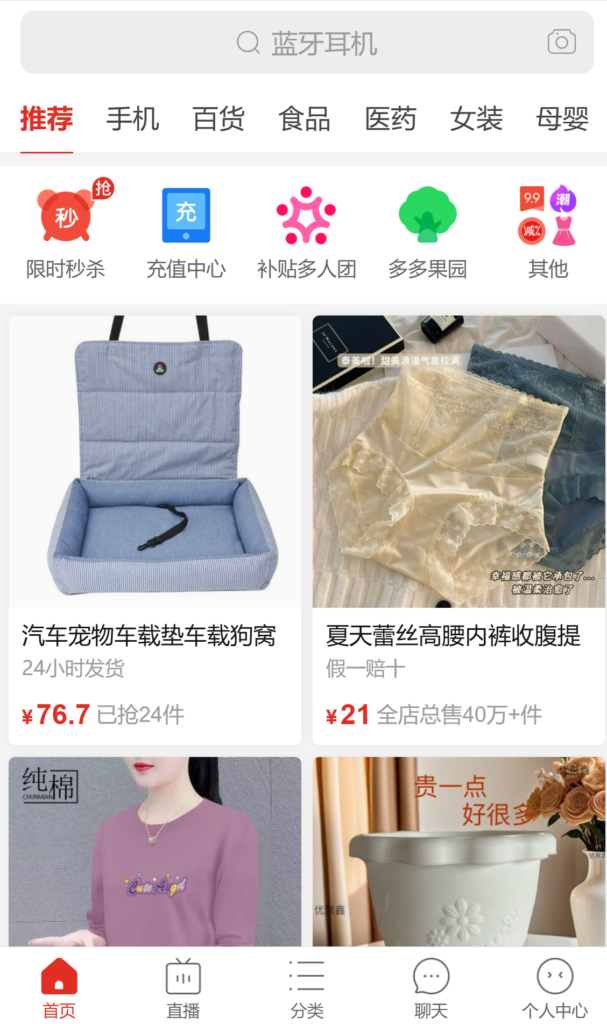
3. Mastering the "Pinduoduo English" Hack
Since there is no native English toggle, we use a "Translation Layer" to help you find the right items for your DIY order.
The Two-Phone "Magic" Method
If you have a spare phone, this is the fastest way to source:
- Open the Pinduoduo App on Phone A.
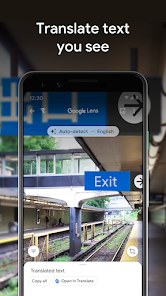
- Open Google Lens on Phone B and point it at the screen.
- Why this helps our service: It allows you to read the Product Options (SKUs). When you paste a link into our DIY tool, you need to specify the exact color and size. Google Lens ensures you don't accidentally order the wrong variant.
The "Live Text" Screenshot Hack
On a single iPhone:
- Screenshot the product details.
- Open the photo and long-press the text to "Translate."
- Focus on the Seller DSR (Ratings). We always advise our clients to only paste links from sellers with Red Ratings (above average) to ensure the quality is high when it hits our warehouse.
4. How to Find Products Like a Pro Sourcing Agent
To get the best results from KongfuMall DIY Order System, you need to know how to search. Pinduoduo's algorithm is powerful, but it needs the right keywords.
The English-to-Chinese Sourcing Dictionary
Copy and paste these into the app's search bar:
- Tech Gadgets: 科技小物
- Aesthetic Stationery: 文具手账
- Fashion Apparel: 潮流服饰
- Home Organization: 收纳整理
Using Image Search
Did you see something on Instagram or Amazon that you want for 50% less?
- Tap the Camera Icon in the Pinduoduo search bar.
- Upload the photo.
- Once you find the match, copy that link and bring it back to our site. This is the most popular way our users find "Hidden Gems."
5. The Critical Step: Exporting Links to Our DIY Tool
This is the most important part of the guide. Without the correct link, our system cannot fulfill your order.
How to "Grab" the Link Properly:
- On the product page, click the "Share" (分享) button (usually a WeChat or red arrow icon).
- Look for the "Copy Link" (复制链接) icon.
- Wait! Pinduoduo links often come with extra Chinese text.
- Our Advantage: Our DIY tool is designed to automatically strip the Chinese text. Just paste the whole thing, and our system will extract the raw URL to the product.
6. Why You Need Our Agent Service (Beyond the App)
The app is a "Closed Loop" designed for China. Even if you navigate it using our Pinduoduo App in English hacks, you still face:
The Payment Barrier
Pinduoduo requires a Chinese bank account or a verified Alipay/WeChat Pay. Most international users get a "Payment Failed" error. When you use our DIY system, you pay us via PayPal or Credit Card, and we settle the RMB payment with the seller instantly.
The Quality Gap
Pinduoduo is cheap because it's factory-direct, but that means QC is your responsibility.
- Our Solution: Once your app-sourced item reaches our warehouse, we take High-Definition Photos.
- The Logic: If the item doesn't match the app's description, we return it to the seller locally. This protects you from receiving a "lemon" after paying for international shipping.
7. FAQ: Troubleshooting Your Pinduoduo App Sourcing
Q1: Why does the app keep asking for a login?
A: Pinduoduo requires a login to see the best "Group Buy" prices. We recommend linking a WeChat account-it's the most stable way for international users to keep the app open for sourcing.
Q2: The app shows a very low price, but your site shows a higher one. Why?
A: Always look for the "Group Buy" (拼单价) price in the app. Our system tries to secure that price for you, but "Single Buy" prices are always higher.
Q3: Can I use the app to track my international package?
A: No. The app only tracks the journey to our China Warehouse. Once it arrives, you must use our dashboard to track the Pinduoduo international shipping to your home.
Q4: Is the APK safe for my Android phone?
A: Yes, if downloaded from mobile.pinduoduo.com. Avoid 3rd party "English Version" sites as they are not affiliated with the official platform.
Conclusion: Start Sourcing with Confidence
By mastering these Pinduoduo App in English hacks, you are no longer limited by local prices.
Your Next Steps:
- Download the app using our region-switch guide.
- Source your favorite items using the Image Search tool.
- Copy & Paste those links into our DIY Order Tool.
[Register Today and get a $5.07 Shipping Coupon for your first Pinduoduo Haul →]